
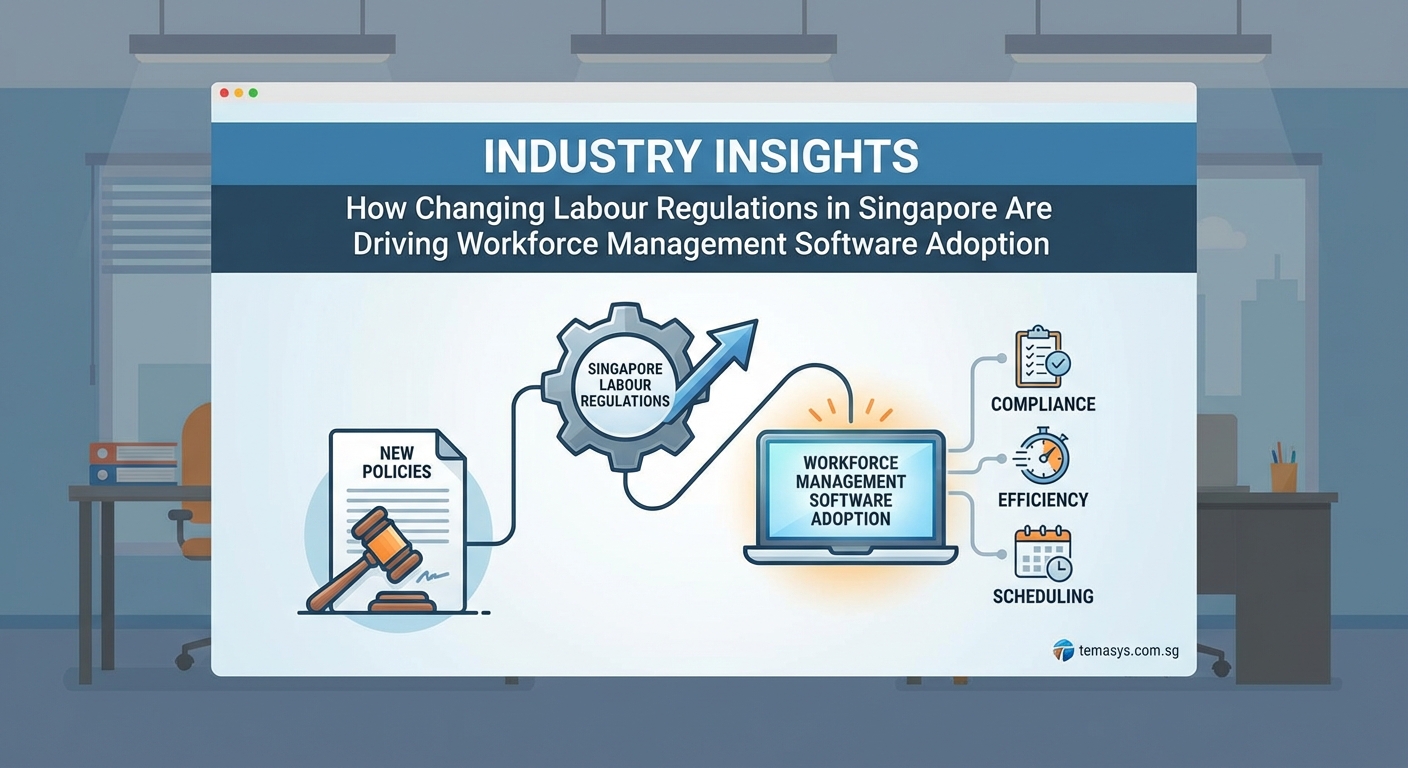
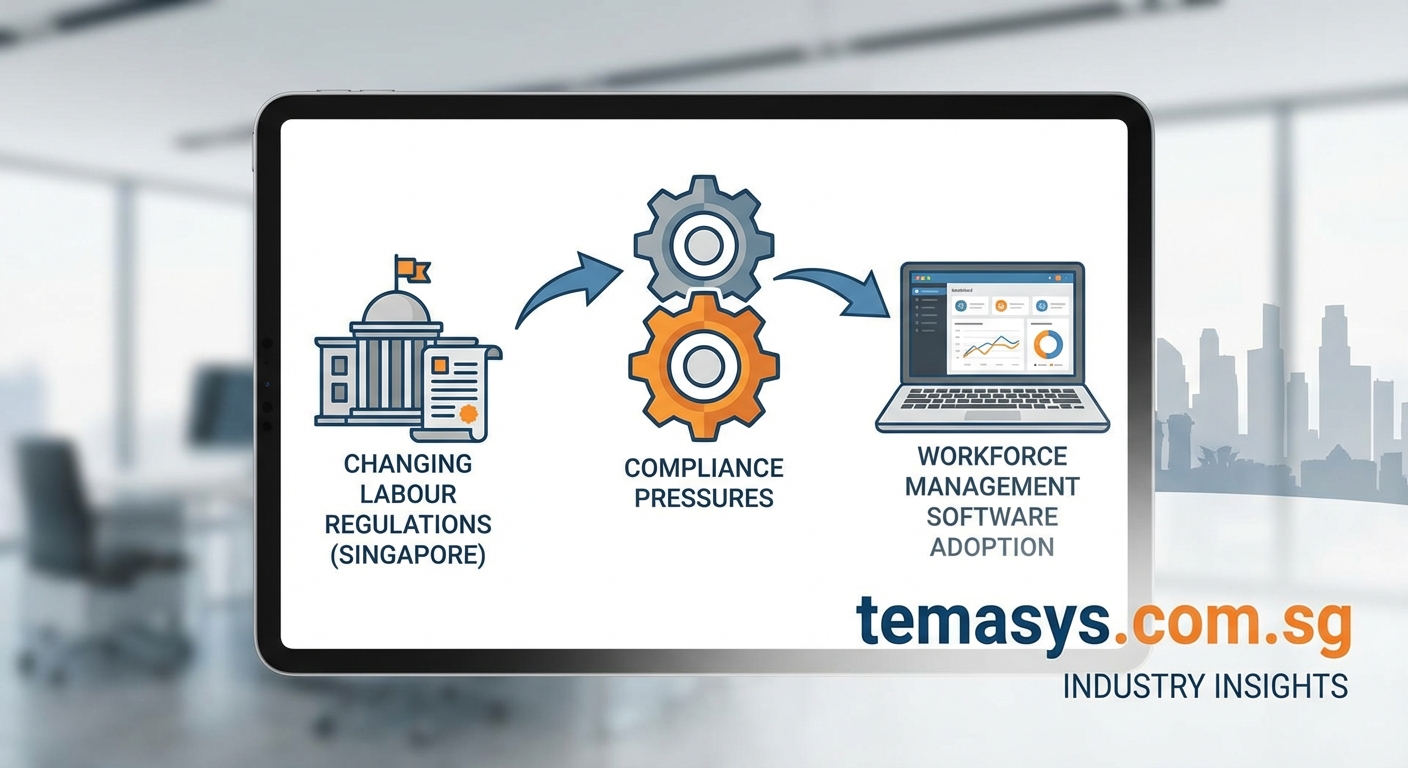
Singapore’s labour landscape is shifting faster than most HR teams can keep up with. New regulations around progressive wages, flexible work arrangements, and enhanced CPF contributions are forcing companies to rethink how they track, manage, and report on their workforce.
Spreadsheets and legacy systems simply can’t handle the complexity anymore.
Workforce management software in Singapore has become essential for compliance with evolving labour regulations. Modern platforms automate time tracking, leave management, and statutory reporting whilst reducing administrative burden by up to 70%. The right system integrates with payroll, manages multi-location teams, and provides real-time visibility into labour costs and compliance status across your entire organisation.
Why Singapore’s regulatory environment demands better workforce tools
The Ministry of Manpower continues to introduce reforms that protect workers whilst supporting business transformation. Each change adds layers of compliance requirements that manual systems struggle to accommodate.
Progressive wage models now apply to more sectors. Companies must track skill progression, adjust pay scales accordingly, and document everything for audits. Flexible work arrangement requests need proper logging and response tracking. Enhanced parental leave entitlements require precise calculations that vary by employee circumstances.
Missing a compliance deadline or miscalculating an entitlement can result in penalties, reputational damage, and employee disputes. The administrative load has grown beyond what small HR teams can manage without technology support.
“We were spending 15 hours each month just reconciling timesheets and leave balances. Every regulatory update meant rewriting formulas and retraining staff. The risk of errors was constant.” – HR Director, Singapore manufacturing firm
Workforce management software Singapore solutions address these pressures by automating calculations, maintaining audit trails, and updating compliance rules centrally.
Core capabilities that matter for Singapore businesses
Not all workforce management platforms are built for local requirements. Here’s what actually makes a difference:
Statutory compliance automation
The system should automatically calculate CPF contributions, apply correct levy rates for foreign workers, and generate MOM-compliant reports. Updates to regulatory formulas should happen without manual intervention.
Multi-location time tracking
For businesses with multiple sites or remote teams, geo-fencing and mobile clock-in features ensure accurate attendance records. GPS verification prevents time theft whilst giving employees flexibility.
Leave management with local rules
Annual leave, medical leave, childcare leave, and maternity/paternity entitlements all follow specific MOM guidelines. Your software must calculate accruals correctly, handle pro-rating for part-timers, and manage carry-forward rules.
Shift scheduling and rostering
Service businesses need tools that optimise schedules based on demand forecasts, employee availability, and cost constraints. Automated shift swaps and real-time notifications reduce coordination overhead.
Integration with payroll and ERP
Standalone systems create data silos and duplicate entry work. Integrated platforms ensure attendance data flows directly into payroll calculations without manual transfers.
Reporting and analytics
Real-time dashboards showing labour costs by department, overtime trends, and compliance status help managers make informed decisions. Historical data supports workforce planning and budget forecasting.
Step-by-step approach to selecting the right platform
Choosing workforce management software requires more than comparing feature lists. Follow this process to find a solution that actually fits your operations:
-
Document your current pain points
List specific problems your team faces. Are errors happening in leave calculations? Is overtime tracking manual? Do you struggle with shift coverage? Concrete problems lead to better vendor conversations. -
Map your compliance requirements
Create a checklist of every MOM regulation your business must follow. Include industry-specific requirements like those for F&B, healthcare, or construction sectors. Your software must handle all of these without customisation. -
Assess your technical environment
Determine whether you need cloud-based access for remote teams or on-premise deployment for data sovereignty. Check what systems you need to integrate with and what data formats they use. Understanding cloud versus on-premise trade-offs helps narrow your options. -
Involve end users early
HR administrators, payroll staff, and department managers will all interact with the system. Get their input on workflows and usability requirements. Software that looks good to executives often frustrates the people who use it daily. -
Test with real scenarios
During demos, provide vendors with actual use cases from your business. Ask them to show how the system handles a foreign worker levy calculation, processes a maternity leave request, or generates an MOM audit report. Generic demos hide critical gaps. -
Calculate total cost of ownership
Look beyond licensing fees. Factor in implementation costs, training time, ongoing support, and integration work. A comprehensive cost analysis prevents budget surprises. -
Check vendor stability and support
Your workforce management system will hold critical business data. Verify the vendor’s financial health, local presence, and support response times. Ask for customer references in similar industries.
Common implementation mistakes to avoid
| Mistake | Why it happens | How to prevent it |
|---|---|---|
| Rushing deployment before testing | Pressure to go live before year-end or busy season | Build in 2-3 months for testing with real data and edge cases |
| Insufficient user training | Assumption that software is intuitive | Schedule role-based training sessions and create reference guides |
| Poor data migration planning | Underestimating complexity of historical records | Start data cleanup 3 months before migration, validate samples |
| Ignoring change management | Focus on technology over people | Communicate benefits early, involve staff in design decisions |
| Inadequate vendor support agreement | Accepting standard SLA without negotiation | Specify response times for critical issues, include on-site support |
Features that deliver immediate ROI
Some capabilities pay for themselves within months of implementation:
- Automated timesheet approvals reduce manager workload by 60% and eliminate end-of-month bottlenecks
- Self-service leave requests cut HR administrative time by 40% whilst giving employees instant visibility
- Mobile clock-in with GPS prevents time fraud and improves payroll accuracy for field teams
- Overtime alerts flag potential budget overruns before they happen, supporting better cost control
- Compliance dashboards surface issues before MOM audits, reducing penalty risk
These features don’t just save time. They free your HR team to focus on strategic work like talent development and employee engagement instead of data entry and error correction.
Integration considerations for existing systems
Most Singapore businesses already run payroll software, accounting systems, or full ERP platforms. Your workforce management solution needs to work with these tools, not replace them.
API-based integrations allow real-time data synchronisation. When an employee clocks in, that data flows to payroll without manual export and import cycles. When leave is approved, it updates both the workforce system and the accounting forecast.
Choosing between best-of-breed and integrated approaches depends on your current infrastructure and growth plans. Businesses with mature ERP systems often benefit from native workforce modules. Companies with specialised needs may prefer standalone platforms with strong integration capabilities.
Data security becomes critical when systems share employee information. Ensure your integration approach complies with Singapore’s data protection requirements and maintains clear audit trails.
Mobile access and remote workforce management
The shift toward hybrid work models makes mobile functionality essential. Employees expect to request leave, view schedules, and check pay slips from their phones. Managers need mobile approval workflows that don’t tie them to desks.
Modern workforce management platforms offer native mobile apps with offline capabilities. Field workers can clock in without internet connectivity, with data syncing once they’re back online. Push notifications keep everyone informed about schedule changes and approval status.
Location-based features support businesses with distributed teams. Geo-fencing ensures employees can only clock in from authorised locations. GPS tracking provides proof of attendance for client sites without feeling invasive.
Vendor evaluation criteria specific to Singapore
When comparing providers, prioritise these factors:
Local regulatory expertise
The vendor should demonstrate deep understanding of Singapore employment law. Ask how they handle updates to CPF rates, levy changes, and new MOM requirements. Check whether updates are automatic or require manual configuration.
Customer base in your industry
Software proven in similar businesses will have relevant features and workflows. A platform built for retail may not suit professional services. Request references from companies with comparable workforce complexity.
Implementation methodology
Understand the vendor’s approach to deployment. Do they provide dedicated project managers? What’s the typical timeline? How do they handle customisation requests? Strong implementation support makes the difference between smooth rollout and prolonged disruption.
Training and change management support
Technology adoption fails when users resist new systems. Look for vendors who provide comprehensive training programmes, user documentation, and change management guidance.
Scalability for growth
Your workforce management needs will evolve. Can the platform handle additional locations, new employee types, or expanded reporting requirements? Understand upgrade paths and associated costs.
Data migration strategies that minimise disruption
Moving from spreadsheets or legacy systems to modern workforce management software requires careful planning. Poor data migration causes payroll errors, compliance gaps, and user frustration.
Start by auditing your current data quality. Identify inconsistencies in employee records, leave balances, and historical attendance. Clean up errors before migration rather than transferring bad data to your new system.
Create a migration timeline that aligns with your payroll cycle. Most successful implementations go live at the start of a new month or quarter to avoid mid-period complications.
Test with a subset of employees first. Verify that leave balances transfer correctly, historical data is accessible, and reports match your old system. Only proceed with full migration after confirming accuracy.
Running parallel systems temporarily provides a safety net during the transition period. Whilst it creates duplicate work, it ensures payroll accuracy whilst your team builds confidence in the new platform.
Building internal capability for long-term success
Software implementation is just the beginning. Sustained value requires ongoing optimisation and user adoption.
Assemble an internal team with clear ownership of the system. Designate super users who understand advanced features and can support colleagues. Schedule regular reviews to identify underutilised capabilities and emerging needs.
Track metrics that demonstrate impact. Measure time saved on administrative tasks, reduction in payroll errors, and improvement in compliance audit results. Quantifiable outcomes justify the investment and support budget requests for enhancements.
Stay engaged with your vendor. Attend user group meetings, provide feedback on roadmap priorities, and learn about new features. Strong vendor relationships ensure you get maximum value from your investment.
Real-world impact across different industries
Retail and F&B
Businesses with hourly workers and variable schedules see immediate benefits. Automated shift scheduling reduces manager time by 50%. Mobile clock-in eliminates buddy punching. Real-time labour cost tracking prevents budget overruns during peak periods.
Healthcare and aged care
Compliance with nursing ratios and certification requirements becomes manageable. The system tracks staff qualifications, flags expiring certifications, and ensures proper skill mix on each shift. Audit trails satisfy regulatory inspections.
Professional services
Project-based businesses gain visibility into resource allocation. Time tracking by client and project supports accurate billing. Leave planning tools prevent conflicts during busy periods. Integration with project management systems provides complete cost visibility.
Manufacturing and logistics
Multi-shift operations benefit from automated schedule optimisation. Overtime alerts help control labour costs. Attendance patterns reveal productivity trends and training needs. Integration with production systems links labour input to output metrics.
When to consider upgrading your current system
Several signs indicate your existing workforce management approach no longer serves your business:
You’re spending more than 2 hours per week manually adjusting timesheets or leave balances. Your current system can’t accommodate new regulatory requirements without expensive customisation. Employees complain about difficulty accessing their information or requesting leave. You can’t generate the reports MOM requires without manual data manipulation. Your payroll team dreads month-end because of reconciliation work.
These problems only worsen as your business grows. The cost of maintaining inadequate systems eventually exceeds the investment in proper software.
Making the business case to leadership
Finance and executive teams need clear justification for workforce management software investment. Build your business case around these elements:
Quantified time savings
Calculate hours currently spent on manual processes. Multiply by loaded labour costs to show annual expense. Project 60-70% reduction with automation.
Risk mitigation
Document past compliance issues, near-misses, or audit findings. Estimate potential penalty costs and reputational impact. Show how automated compliance reduces these risks.
Scalability for growth
Demonstrate that current processes can’t support planned headcount expansion. Show how manual systems create bottlenecks that limit business capacity.
Employee experience improvement
Connect workforce management capabilities to retention goals. Self-service features and schedule flexibility support talent attraction and reduce turnover costs.
Competitive positioning
Highlight how competitors and industry leaders use technology to operate more efficiently. Frame the investment as necessary to remain competitive.
Preparing your organisation for successful adoption
Technology alone doesn’t transform operations. People and processes must adapt alongside new systems.
Communicate the change early and often. Explain why you’re implementing new software, what problems it solves, and how it benefits different user groups. Address concerns about job security or increased monitoring.
Involve employees in system configuration. Let them test workflows and provide feedback before go-live. People support what they help create.
Plan for a learning curve. Productivity may dip slightly during the first few weeks as users adjust. Build in extra time and patience during this period.
Celebrate early wins. Share stories of time saved, errors prevented, or processes simplified. Positive reinforcement accelerates adoption.
Address resistance directly rather than ignoring it. Listen to concerns, provide additional training where needed, and adjust workflows that genuinely don’t work.
Moving forward with confidence
Workforce management software has shifted from nice-to-have to essential infrastructure for Singapore businesses. Regulatory complexity, talent competition, and operational efficiency demands all point toward technology-enabled solutions.
The key is choosing a platform that matches your specific requirements rather than chasing feature lists. Start with your pain points. Involve the people who will use the system daily. Test thoroughly with real scenarios. Plan for proper implementation and change management.
Your workforce is your most significant cost and your greatest competitive advantage. Managing it effectively requires tools that keep pace with regulatory change, support operational excellence, and free your team to focus on strategic priorities.
The companies thriving in Singapore’s evolving labour landscape aren’t necessarily the largest or best funded. They’re the ones who recognised that better workforce management creates compound advantages across compliance, cost control, and employee satisfaction.