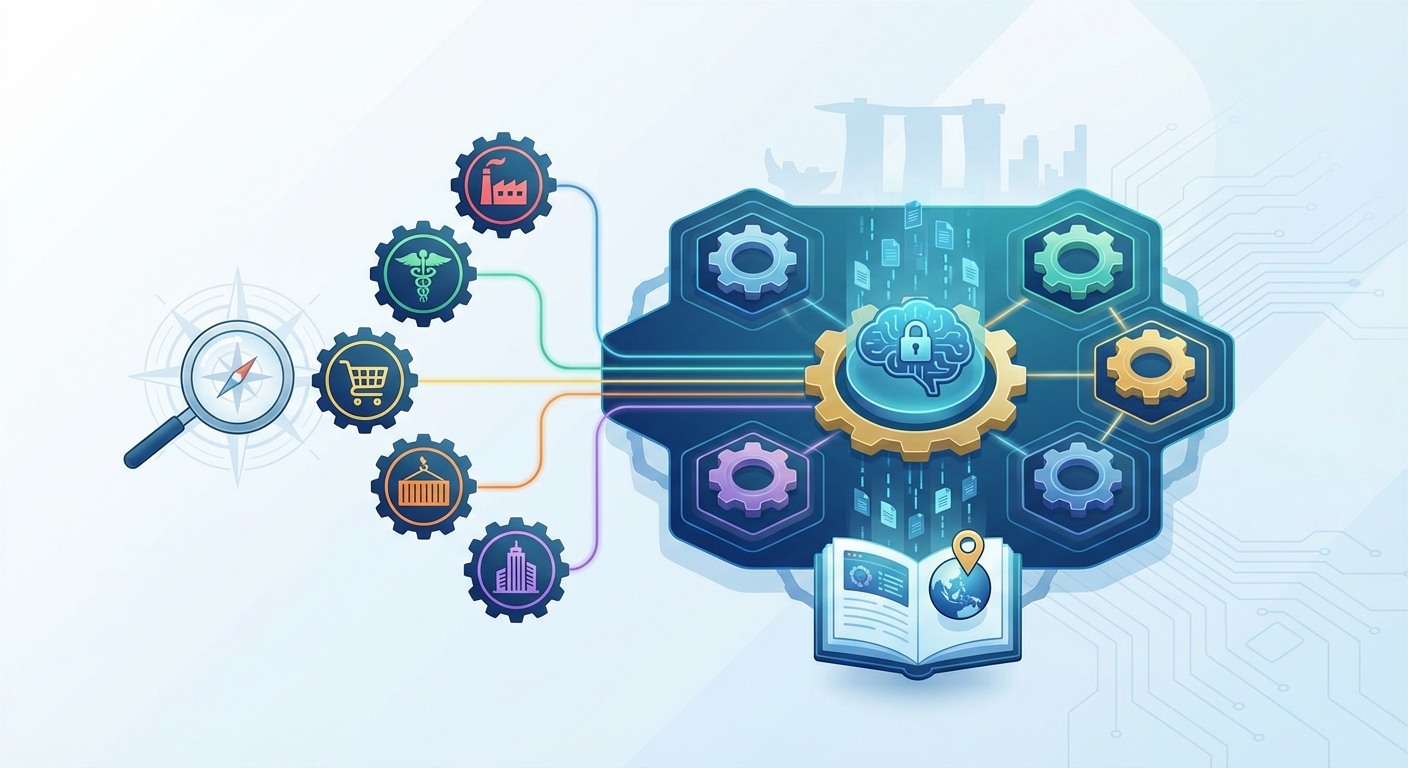
Choosing the wrong ERP system costs more than money. It drains team morale, delays growth, and creates workarounds that compound over time. Many Singapore businesses assume they need to customise a generic platform extensively, only to discover that industry specific ERP solutions already exist with the exact features they need built in.
Industry specific ERP solutions deliver pre-configured workflows, compliance frameworks, and best practices tailored to your sector. They reduce implementation time by up to 40%, lower total cost of ownership, and eliminate the need for extensive customisation. Choosing sector-focused software means faster ROI, better vendor support, and systems that actually understand how your business operates from day one.
What Makes an ERP System Industry Specific
Generic ERP platforms offer broad functionality that works across multiple sectors. They handle accounting, inventory, and HR reasonably well for any business type.
Industry specific ERP solutions go deeper. They include features built specifically for how your sector operates.
A manufacturing ERP tracks bill of materials, production schedules, and quality control checkpoints. A retail system manages point of sale, customer loyalty programmes, and seasonal inventory planning. Healthcare platforms handle patient records, regulatory compliance, and medical billing requirements.
The difference matters because your business processes are not generic. You need software that mirrors your actual workflows, not software you must bend to fit your needs.
Consider a food and beverage manufacturer in Singapore. Generic ERP requires extensive customisation to track batch numbers, manage expiry dates, comply with AVA regulations, and handle recipe formulations. An F&B-specific system includes these features out of the box.
The same principle applies across sectors. Construction firms need project costing and subcontractor management. Professional services need time tracking and project billing. Logistics companies need route optimisation and freight management.
When evaluating options, understanding the true cost of implementation helps you compare sector-specific platforms against generic alternatives realistically.
Seven Benefits of Choosing Sector-Focused Software
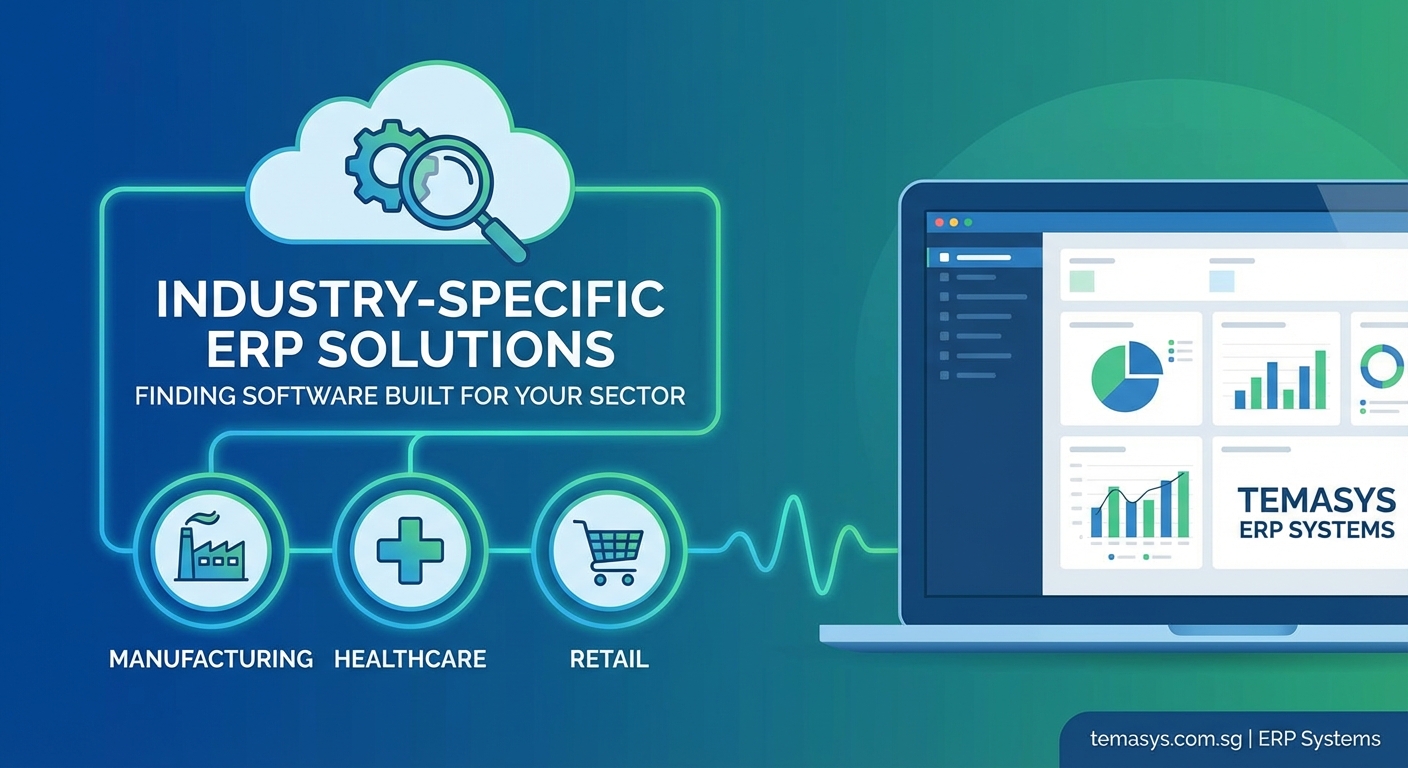
Selecting industry specific ERP solutions delivers tangible advantages that affect your bottom line and operational efficiency.
1. Faster Implementation Timelines
Pre-built workflows mean less configuration work. Your team spends time validating processes rather than designing them from scratch.
A generic ERP implementation typically takes 12 to 18 months for mid-sized companies. Industry-specific platforms often complete in 6 to 9 months because the foundational structure already exists.
2. Lower Total Cost of Ownership
Reduced customisation means lower upfront costs. Fewer modifications mean simpler upgrades and maintenance.
You avoid the ongoing expense of maintaining custom code that breaks with each system update. Vendor updates include industry-relevant features automatically.
3. Built-In Compliance Frameworks
Regulatory requirements vary by sector. Healthcare needs PDPA compliance for patient data. Financial services require MAS reporting. Manufacturing needs safety documentation and traceability.
Industry-specific systems include these frameworks by design. You configure settings rather than building compliance from scratch.
4. Access to Industry Best Practices
Vendors serving specific sectors accumulate knowledge from hundreds of implementations. That expertise gets baked into the software.
You benefit from proven workflows developed across your industry. The system guides you toward efficient processes rather than forcing you to invent them.
5. Specialised Vendor Support
Support teams understand your terminology, challenges, and use cases. When you call with a question about production scheduling or patient billing, they know exactly what you mean.
Generic ERP support staff may need extensive explanation of sector-specific scenarios. Industry-focused vendors speak your language.
6. Stronger Integration Ecosystem
Industry-specific platforms typically integrate well with other sector-standard tools. Manufacturing ERPs connect to CAD systems and production equipment. Retail systems link to e-commerce platforms and payment gateways.
These integrations exist because the vendor understands your technology stack. Seamless system connections become easier when the ERP vendor anticipates your needs.
7. Faster Issue Resolution
When problems arise, vendor support teams have likely seen similar issues across other clients in your sector. They diagnose and resolve problems faster because patterns are familiar.
Generic vendors may need to research sector-specific scenarios, extending resolution time.
How to Evaluate Industry Specific ERP Solutions
Choosing the right platform requires structured evaluation. Follow this process to assess options systematically.
Step 1: Document Your Critical Requirements
List the top 20 features your business cannot operate without. Be specific.
Don’t write “inventory management.” Write “batch tracking with automatic FIFO rotation and expiry date alerts sent 30 days in advance.”
Prioritise requirements by business impact. Which features directly affect revenue, compliance, or customer satisfaction?
Step 2: Identify Industry-Specific Vendors
Research platforms designed for your sector. Look beyond the big names to find specialised solutions.
Manufacturing might consider Epicor, SYSPRO, or Plex. Healthcare could evaluate Meditech, Epic, or Cerner. Retail businesses might assess NetSuite, Microsoft Dynamics 365 Commerce, or SAP for Retail.
Create a shortlist of 4 to 6 platforms that explicitly serve your industry.
Step 3: Request Detailed Demonstrations
Schedule demos focused on your specific workflows. Provide real scenarios from your business.
Ask vendors to demonstrate how their system handles your most complex processes. If you manage multi-location inventory with inter-branch transfers, see that exact workflow in action.
Generic demos waste time. Insist on seeing your use cases.
Step 4: Validate Industry Expertise
Ask for client references in your sector and geographic region. Speak with businesses similar in size and complexity.
Questions to ask references:
- How long did implementation actually take?
- What surprised you during the process?
- How responsive is vendor support?
- Would you choose this platform again?
Step 5: Assess Deployment Options
Deciding between cloud and on-premise deployment affects costs, scalability, and maintenance requirements.
Cloud platforms offer faster deployment and lower upfront costs but create ongoing subscription expenses. On-premise solutions provide more control but require internal IT resources.
Hybrid models combine both approaches, keeping sensitive data on-premise while using cloud services for collaboration and analytics.
Step 6: Calculate Total Cost Realistically
Include all expenses over five years:
- Software licences or subscriptions
- Implementation services
- Training and change management
- Integration with existing systems
- Ongoing support and maintenance
- Future upgrades and enhancements
Compare total cost of ownership, not just initial price tags.
Step 7: Plan for Change Management
Technology succeeds or fails based on user adoption. Preparing your organisation properly matters as much as selecting the right software.
Assess each vendor’s approach to training, documentation, and ongoing support. Systems with intuitive interfaces and comprehensive training programmes deliver faster value.
Common Sectors with Specialised ERP Platforms
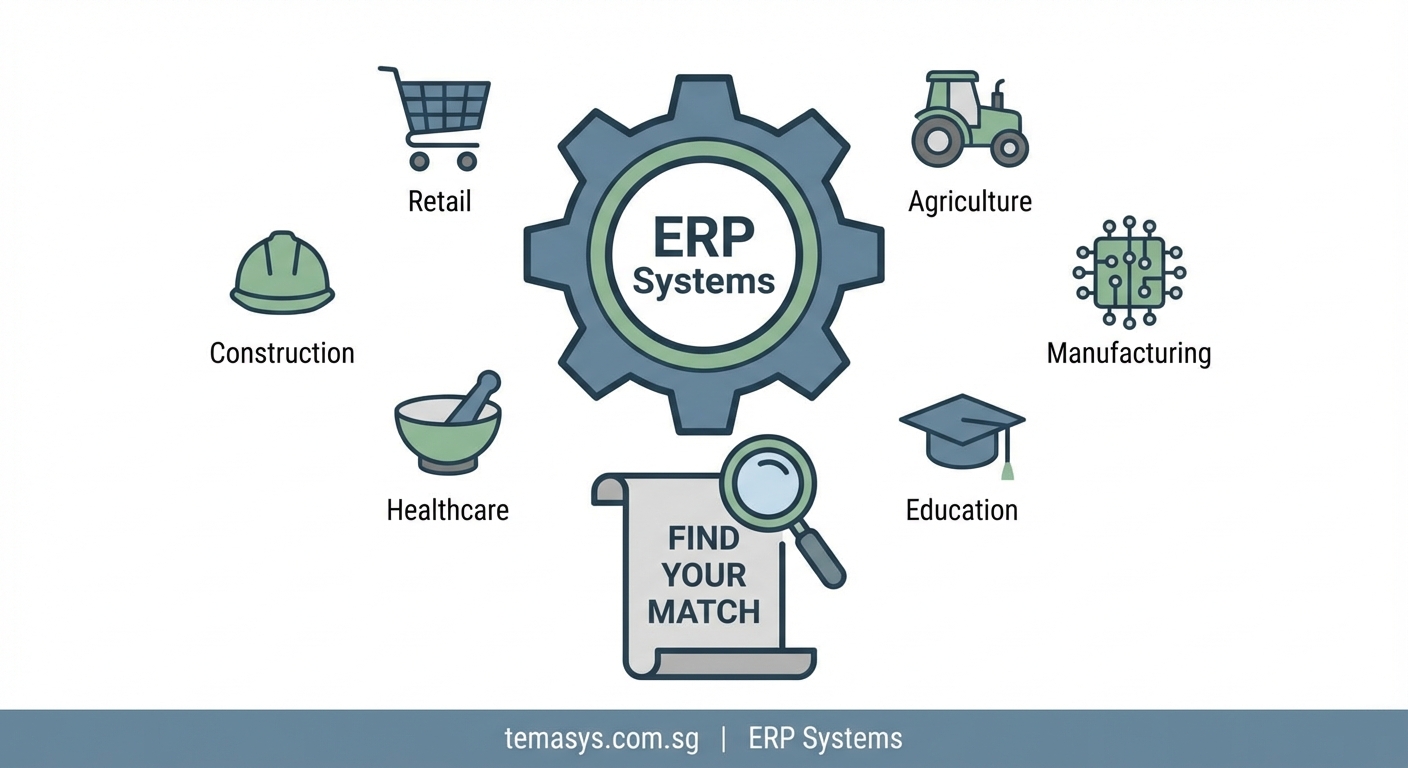
Different industries face unique operational challenges. Here’s how industry specific ERP solutions address sector-specific needs.
Manufacturing
Production environments need tight control over materials, labour, and equipment. Manufacturing ERPs handle:
- Bill of materials management
- Production scheduling and capacity planning
- Shop floor control and real-time tracking
- Quality management and inspection workflows
- Equipment maintenance scheduling
- Cost accounting by job or batch
Singapore manufacturers often need multi-currency support, GST handling, and integration with shipping and logistics systems.
Retail and E-Commerce
Retail operations span physical stores, online channels, and marketplaces. Retail ERPs manage:
- Point of sale across multiple locations
- Omnichannel inventory visibility
- Customer loyalty programmes
- Promotions and pricing rules
- Supplier management and purchase orders
- E-commerce platform integration
Seasonal businesses need forecasting tools that account for demand patterns. Multi-brand retailers require separate product catalogues and pricing structures.
Construction and Project-Based Services
Project-centric businesses track costs, resources, and timelines differently than product companies. Construction ERPs include:
- Project costing and budget tracking
- Subcontractor management and payments
- Equipment scheduling and utilisation
- Document management for plans and permits
- Progress billing and retention tracking
- Job site mobile access
These systems often integrate with project management tools and accounting platforms used by quantity surveyors.
Healthcare and Medical Services
Healthcare organisations face strict regulatory requirements and complex billing scenarios. Medical ERPs handle:
- Patient records and appointment scheduling
- Insurance claims and billing
- Inventory management for medical supplies
- Compliance with healthcare regulations
- Staff credentialing and scheduling
- Integration with medical devices and lab systems
Singapore healthcare providers need systems that comply with PDPA requirements and integrate with national health information systems.
Professional Services
Consulting firms, law practices, and accounting offices bill based on time and deliverables. Professional services ERPs manage:
- Time tracking by client and project
- Project profitability analysis
- Resource allocation and capacity planning
- Billing and invoicing automation
- Client relationship management
- Document management and version control
These platforms often integrate with collaboration tools and proposal management systems.
Industry Specific vs Generic ERP: Making the Right Choice
Not every business needs sector-specific software. Understanding when each approach makes sense helps you decide.
| Factor | Industry Specific ERP | Generic ERP |
|---|---|---|
| Best fit | Businesses with standard sector workflows | Companies with unique or hybrid processes |
| Implementation time | 6 to 9 months typically | 12 to 18 months typically |
| Customisation needs | Minimal, mostly configuration | Extensive, often custom development |
| Initial cost | Moderate to high | Low to moderate |
| Total cost of ownership | Lower due to less customisation | Higher due to ongoing custom code maintenance |
| Vendor expertise | Deep sector knowledge | Broad but shallow industry understanding |
| Compliance features | Built-in for sector regulations | Requires custom development |
| Future scalability | Excellent within sector | Flexible across sectors |
Choose industry specific ERP solutions when:
- Your business follows standard sector workflows
- Regulatory compliance is complex and sector-specific
- You need faster time to value
- Your team lacks deep ERP customisation expertise
- You want to leverage industry best practices
Consider generic platforms when:
- Your business model spans multiple industries
- You have highly unique processes
- You need maximum flexibility for future pivots
- You have strong internal IT capabilities
- Budget constraints favour lower upfront costs
Many businesses make critical mistakes during vendor selection by focusing solely on features rather than evaluating how well the system fits their actual workflows.
Key Features to Look for in Sector-Specific Platforms
Beyond industry-standard functionality, certain capabilities separate excellent systems from adequate ones.
Configurable Workflows Without Coding
The system should let business users adjust processes through configuration screens, not programming. Look for visual workflow builders and rule engines.
Mobile Access for Field Operations
Teams working outside the office need full functionality on tablets and smartphones. Evaluate mobile apps for responsiveness and offline capability.
Real-Time Reporting and Analytics
Decision makers need current data, not yesterday’s numbers. Confirm that dashboards update in real time and allow drill-down analysis.
Multi-Entity and Multi-Currency Support
Singapore businesses often operate across ASEAN markets. Ensure the system handles multiple legal entities, currencies, and tax regimes within a single instance.
Scalable Architecture
Your chosen platform should grow with your business. Verify that adding users, locations, or transaction volume doesn’t require system replacement.
API and Integration Capabilities
No ERP operates in isolation. Strong APIs enable connections to e-commerce platforms, payment gateways, shipping systems, and industry-specific tools.
“The best ERP system is the one that disappears into your daily operations. Your team shouldn’t think about the software; they should just get their work done efficiently. That only happens when the system truly understands your industry.” — Senior Implementation Consultant, 15 years in manufacturing ERP deployments
Real-World Implementation Considerations
Theory differs from practice. Here are practical factors that affect success.
Data Migration Complexity
Moving data from legacy systems into new ERP platforms takes longer than vendors estimate. Plan for:
- Data cleaning and validation
- Mapping old fields to new structures
- Historical data decisions (how much to migrate)
- Parallel running periods for verification
Allocate 20 to 30 percent of your implementation timeline to data migration activities.
Integration with Existing Systems
Your ERP won’t replace every system immediately. You’ll need integrations with:
- Banking platforms for payment processing
- E-commerce sites for order synchronisation
- Logistics providers for shipping updates
- Government systems for tax reporting
Test integrations thoroughly before going live. Failed integrations cause immediate operational disruptions.
Training and User Adoption
Software only delivers value when people use it correctly. Effective training includes:
- Role-based training focused on daily tasks
- Hands-on practice with realistic scenarios
- Documentation in plain language
- Ongoing support during the transition period
Budget for comprehensive training, not just vendor-led sessions during implementation.
Phased vs Big Bang Implementation
You can deploy ERP systems all at once or in stages:
Big Bang Approach:
– Switch everything simultaneously
– Shorter overall timeline
– Higher risk of disruption
– Requires extensive preparation
Phased Approach:
– Deploy modules sequentially
– Lower risk per phase
– Longer total timeline
– Allows learning between phases
Most mid-sized Singapore businesses benefit from phased implementations, starting with financial management and expanding to operations.
When building realistic implementation timelines, account for business seasonality and avoid go-live dates during peak periods.
Questions to Ask Before Committing
Smart buyers dig deeper than sales presentations. Ask these questions during vendor evaluation.
About the Vendor:
- How many clients in our specific industry do you serve in Singapore?
- What percentage of your development budget focuses on our sector?
- How often do you release updates, and what’s included?
- What happens if you’re acquired or discontinue our product line?
About Implementation:
- Who actually does the implementation work (vendor staff, partners, or contractors)?
- What’s your average implementation timeline for companies our size?
- How do you handle scope changes during implementation?
- What does your post-go-live support include?
About Costs:
- What’s not included in the quoted price?
- How do you charge for additional users or modules?
- What are typical annual maintenance costs?
- How much should we budget for future upgrades?
About Technical Capabilities:
- How does the system handle our specific compliance requirements?
- Can we export our data in standard formats if we switch vendors?
- What’s your uptime guarantee and disaster recovery process?
- How do you handle security and data privacy?
Building an effective selection committee ensures you ask the right questions and evaluate answers objectively.
Red Flags to Watch During Vendor Selection
Certain warning signs indicate potential problems. Pay attention when vendors:
- Refuse to provide client references in your industry
- Offer vague answers about implementation timelines
- Push for immediate decisions without proper evaluation time
- Claim their system does everything without customisation
- Lack local support or implementation partners in Singapore
- Show demos that don’t address your specific workflows
- Cannot explain their product roadmap clearly
- Require extensive customisation for basic sector features
Trust your instincts. If something feels wrong during evaluation, it rarely improves after signing contracts.
Knowing which red flags matter most helps you avoid costly mistakes that derail projects.
Making Industry Specific ERP Solutions Work for Your Business
Choosing sector-focused software is just the beginning. Success requires commitment beyond vendor selection.
Executive Sponsorship Matters
ERP implementations fail without strong leadership support. Someone at the executive level must champion the project, remove obstacles, and hold teams accountable.
Process Improvement Before Technology
Don’t automate broken processes. Use implementation as an opportunity to streamline workflows and eliminate unnecessary steps.
Realistic Expectations About Timing
Software implementations take longer than anyone wants. Build buffer time into your schedule for unexpected challenges.
Investment in Change Management
People resist change naturally. Invest in communication, training, and support to help teams transition successfully.
Continuous Improvement Mindset
Go-live is not the finish line. Plan for ongoing optimisation, user feedback, and system enhancements based on actual usage patterns.
Many Singapore companies find that measuring success properly helps them optimise ERP systems after initial implementation.
Why Your Industry Needs Specialised Software Now
Generic solutions worked when business processes were simpler and competition less intense. Today’s operating environment demands precision.
Regulatory requirements grow more complex each year. Customer expectations rise constantly. Supply chains span continents. Data volumes explode.
Industry specific ERP solutions address these challenges because they’re built by vendors who understand your world. They know your pain points, compliance requirements, and competitive pressures.
The right platform becomes a competitive advantage. It lets you operate more efficiently, serve customers better, and adapt faster to market changes.
Your business deserves software that works the way you do, not software that forces you to work differently. Sector-focused ERP delivers that alignment from day one.
Start your evaluation by documenting your critical requirements and researching vendors who specialise in your industry. Talk to peers who’ve implemented similar systems. Test platforms thoroughly with your actual workflows.
The investment you make in choosing the right industry specific ERP solutions pays dividends for years through faster operations, better decisions, and stronger competitive positioning.
Leave a Reply