
You’ve sat through another hour-long software demo. The sales engineer clicked through every module, rattled off impressive statistics, and promised seamless integration. Yet you walked away with no clear idea whether this system can actually solve your warehouse bottleneck or streamline your month-end close.
This scenario plays out in Singapore boardrooms every day. Companies invest weeks scheduling stakeholder meetings, only to watch generic presentations that could apply to any business in any industry.
Software demos fail because vendors prioritise feature showcases over problem-solving. Successful evaluations focus on specific business scenarios, implementation realities, and post-sale support rather than polished presentations. Asking the right questions during demos reveals whether a vendor understands your actual challenges or simply wants to close a deal. This shift from passive viewing to active interrogation protects your investment and timeline.
The feature parade problem
Most demos follow a predictable script. The presenter opens the dashboard, walks through every menu item, and highlights capabilities you’ll never use.
This approach fails for three reasons.
First, it assumes all buyers need the same things. A manufacturing firm struggling with inventory accuracy has different priorities than a professional services company managing project profitability. Yet both often see identical presentations.
Second, feature lists don’t reveal how software handles edge cases. Can the system process GST-exempt transactions for your ASEAN exports? What happens when an employee submits leave that spans two pay periods? These scenarios rarely appear in standard demos.
Third, polished demonstrations hide implementation complexity. That slick integration you just saw might require three months of custom development and cost twice your software licence fee.
Why vendors stick to the script
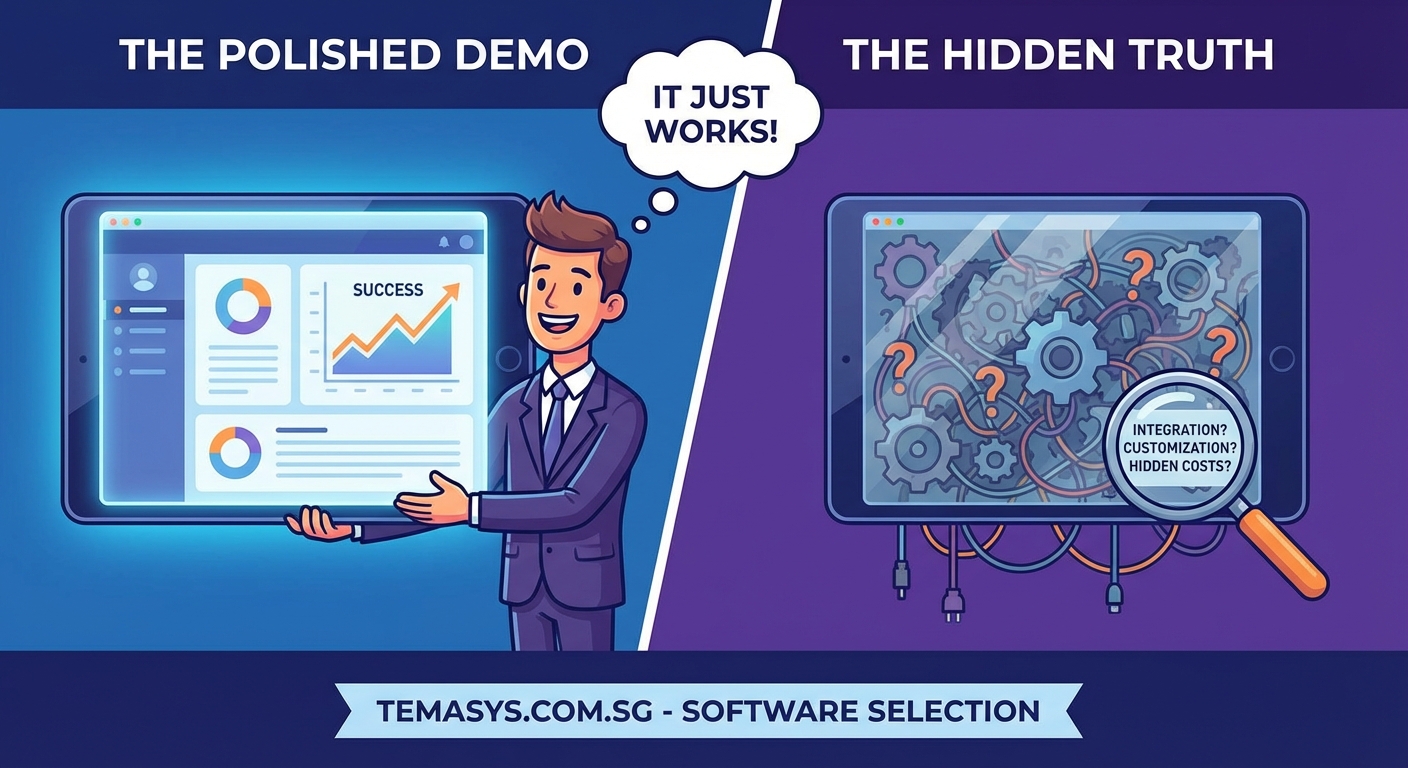
Sales engineers face intense pressure to move deals forward. Their commission depends on closed contracts, not successful implementations.
Many work from approved demo environments that showcase ideal conditions. Clean data. Simple workflows. No legacy system constraints.
Deviating from this script introduces risk. If a sales engineer attempts to demonstrate your specific scenario and something breaks, the deal stalls. Safer to stick with what works, even if it doesn’t answer your real questions.
This creates a fundamental misalignment. You need to evaluate whether software solves your problems. The vendor needs to present their product in the best possible light. These goals often conflict.
Understanding this dynamic helps you take control of the evaluation process. When evaluating enterprise software vendors, recognising these patterns becomes your first line of defence against poor decisions.
The four failure patterns that waste your time
| Failure Pattern | What It Looks Like | Why It Happens | Cost to Your Business |
|---|---|---|---|
| Feature flooding | 90-minute tour of every capability | Vendor assumes more features equal more value | Decision paralysis, missed dealbreakers |
| Generic scenarios | Examples that could apply to any company | Sales engineer lacks industry knowledge | No confidence system fits your needs |
| Perfect data syndrome | Demonstrations using clean, simple records | Real complexity breaks the demo flow | Surprises during implementation |
| Vague integration claims | “Yes, we integrate with everything” | Vendor hasn’t scoped your specific systems | Budget overruns, delayed go-live |
Each pattern signals a vendor more focused on closing deals than ensuring success. Spotting these early saves months of frustration.
Questions that reveal the truth
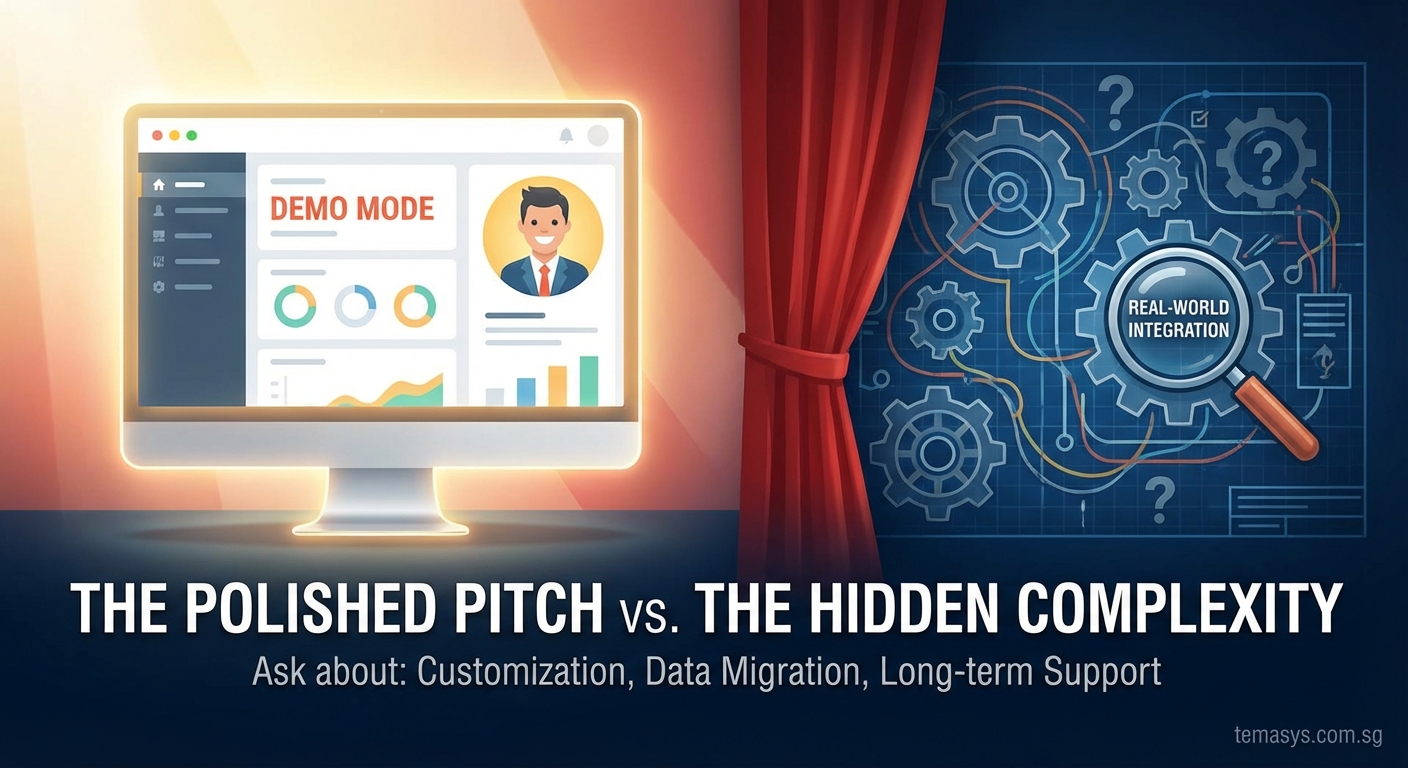
Stop accepting passive demonstrations. Turn every demo into a working session that tests vendor capabilities against your reality.
For process fit
Ask the vendor to demonstrate your three most complex business scenarios. Not their prepared examples. Yours.
A Singapore distributor might request: “Show me how your system handles a customer order where half the items ship from our Jurong warehouse, the other half drop-ship from our Malaysian supplier, and the customer uses a corporate credit line with a separate billing address.”
If the sales engineer can’t configure this scenario during the demo, you’ve learned something valuable. Either the system can’t handle it, or the vendor doesn’t understand it well enough to configure it. Both are red flags.
For implementation reality
“Walk me through what happens between contract signature and go-live.”
This single question exposes whether you’re talking to a vendor with a structured methodology or one that wings it.
Listen for specifics. How many resources from your team? Which roles? How many hours per week? What decisions need executive approval? When do you need to freeze process changes?
Vague answers like “we’ll work closely with your team” mean trouble. Detailed project plans with named phases, decision points, and resource requirements indicate experience.
For data migration
“How will you move our existing records into the new system?”
Data migration kills more implementations than any other factor. Your current system contains years of transactions, customer histories, and product configurations. All of it needs to move accurately.
Request a sample migration using a subset of your actual data. Not their template. Your messy, real-world records with all their inconsistencies and edge cases.
If the vendor resists, citing security or complexity, offer to anonymise the data. Continued resistance suggests they haven’t solved this problem before.
For support structure
“What happens when we discover a problem three months after go-live?”
The honeymoon period ends when your implementation team leaves. You need to know who answers questions, how fast they respond, and what support costs.
Get specific commitments. Response time for critical issues? Escalation process? Access to product roadmap? Frequency of updates?
One Singapore manufacturer learned this lesson painfully. Their ERP vendor provided excellent pre-sale support, then assigned them to a general helpdesk post-implementation. Simple questions took days to answer. Critical issues required expensive consulting engagements.
The discovery gap
Here’s a pattern that predicts demo failure: vendors who schedule demonstrations before conducting proper discovery.
Discovery means understanding your business processes, pain points, system landscape, and success criteria. It requires multiple conversations with different stakeholders. It takes time.
Vendors who skip this step deliver generic demos. They guess at your priorities. They showcase features that don’t matter while glossing over capabilities you actually need.
Insist on a discovery session before any demonstration. If a vendor resists, claiming they can show you everything in the demo, walk away. They’re optimising for their sales process, not your success.
This principle applies whether you’re evaluating ERP systems or any other enterprise platform.
How to structure a productive demo session
-
Send the vendor your three most complex business scenarios two weeks before the demo. Include actual data samples (anonymised if needed) and specific requirements.
-
Request that the vendor configure their demo environment to match these scenarios. Not promise they can handle them. Actually set them up.
-
Invite stakeholders who will use the system daily, not just decision-makers. The warehouse supervisor knows whether that barcode scanning workflow actually works. The accounts payable clerk spots whether the three-way matching process handles your supplier invoice variations.
-
Allocate time for unscripted exploration. After the prepared scenarios, ask users to attempt their daily tasks in the system. Watch what breaks.
-
Document gaps immediately. Don’t accept “we can customise that” without understanding cost, timeline, and upgrade implications.
This approach transforms demos from sales presentations into genuine evaluation tools.
The customisation trap
“We can customise that to work exactly how you need.”
This phrase should trigger alarm bells. Customisation means code changes specific to your implementation. It introduces several risks.
Cost escalation. Custom development bills by the hour. Scope creep turns a modest customisation into a six-month project.
Upgrade complications. When the vendor releases new versions, your customisations might break. You face a choice: forgo new features or pay to redevelop customisations.
Support limitations. Standard support teams often can’t troubleshoot custom code. You need specialised consultants who understand both the base product and your modifications.
Before accepting customisation as a solution, exhaust configuration options. Modern enterprise software offers extensive configuration without code changes. If a vendor jumps straight to customisation, they might not understand their own product’s capabilities.
Red flags during demonstrations
-
The presenter avoids your questions. They promise to “circle back” but never do. This suggests they don’t know the answer or the answer is unfavourable.
-
Everything requires customisation. If standard features don’t match your basic processes, you’re looking at an expensive, risky implementation.
-
The demo environment crashes. Technical glitches happen, but frequent crashes or slow performance in a controlled demo environment predict worse performance in production.
-
Vague integration explanations. “We have an API” doesn’t mean integration is simple or cheap. Ask for specific examples of integrations with your existing systems.
-
No discussion of limitations. Every system has constraints. Vendors who claim their software does everything perfectly are either lying or ignorant.
What good demos look like
A Singapore logistics company recently evaluated warehouse management systems. The winning vendor approached their demo differently.
Before the presentation, they spent two days on-site. They observed receiving processes, talked to warehouse staff, reviewed current system reports, and documented pain points.
The demo addressed specific scenarios: handling customer returns with partial restocking, managing expiry date rotation for pharmaceutical products, and integrating with their existing transport management system.
When the warehouse supervisor asked about barcode scanning for damaged goods, the sales engineer pulled up that exact workflow. When the IT manager questioned API capabilities, the vendor shared documentation for their current integration with the company’s ERP system.
They also identified two requirements their system couldn’t meet out of the box. They explained workarounds, estimated customisation costs, and provided customer references who had implemented similar solutions.
This honesty built trust. The company chose this vendor despite a higher licence fee because they demonstrated understanding and transparency.
The reference call that matters
Most buyers request customer references. Most vendors provide carefully selected happy customers. This process rarely reveals useful information.
Instead, ask for references that match your situation. Same industry. Similar size. Comparable complexity.
Then ask specific questions:
- What surprised you during implementation?
- Which features work differently than demonstrated?
- What would you do differently knowing what you know now?
- How long did it really take to go live?
- What costs weren’t in the original quote?
These questions bypass scripted positive responses and surface real experiences.
Moving beyond the demo
Demonstrations provide one data point in your evaluation. They shouldn’t be the primary decision factor.
Consider proof of concept projects. Pay the vendor to configure their system for a specific business process using your actual data. This reveals capabilities and limitations better than any demo.
Review implementation methodologies. Ask for sample project plans from similar customers. Understand resource requirements, decision points, and timeline expectations.
Examine the vendor’s product roadmap. Where are they investing development resources? Does their strategic direction align with your needs?
Evaluate their customer base. Are they growing in your industry? Do they have local support resources? How long have customers been with them?
For companies considering significant technology investments, understanding how to prepare your organisation for implementation success matters as much as choosing the right software.
The procurement team’s role
Procurement professionals can strengthen the evaluation process by standardising demo requirements.
Create a demo script that all vendors must follow. Include your specific scenarios, required integrations, and performance benchmarks. This enables direct comparison and prevents vendors from controlling the narrative.
Require vendors to demonstrate using your data, not theirs. This might mean providing anonymised datasets or conducting demos in secure environments, but it’s worth the effort.
Document everything. Record demos (with vendor permission). Take detailed notes. Create scoring matrices that rate how well each vendor addressed your requirements.
Involve end users throughout the process. The people who will use the system daily spot issues that executives miss.
When demos actually help
Demonstrations serve valuable purposes when used correctly. They let you assess vendor expertise and communication style. They reveal user interface design and workflow logic. They expose how well the vendor understands your industry.
But they shouldn’t be your primary evaluation tool. Use demos to validate findings from other research, not to make initial judgments.
The best software decisions combine multiple inputs: customer references, proof of concept projects, detailed proposal reviews, implementation methodology assessment, and yes, demonstrations.
Weight each input appropriately. A slick demo from a vendor with poor implementation track record and unhappy customers should raise concerns, not close deals.
Building your evaluation framework
Create a structured framework before you start seeing vendors. This prevents you from being swayed by impressive presentations that don’t address your actual needs.
Start with your business requirements. What problems must this software solve? What processes must it support? What integrations are non-negotiable?
Prioritise ruthlessly. Separate must-haves from nice-to-haves. Many evaluations fail because companies treat every requirement as critical, making decisions impossible.
Define success metrics. How will you know if the implementation succeeded? Reduced processing time? Lower error rates? Faster month-end close? Better inventory accuracy?
Establish a realistic budget that includes software licences, implementation services, training, data migration, integration development, and ongoing support. Many companies focus only on licence costs and face nasty surprises. Understanding what ERP implementation really costs helps set appropriate expectations.
Set a decision timeline. Software evaluations can drag on indefinitely. Establish milestones: vendor shortlist by this date, demos complete by that date, decision by this deadline.
Making the call
Eventually, you need to decide. You’ve seen demos, checked references, reviewed proposals, and assessed vendors.
Trust your evaluation framework. If you built it properly, it accounts for your priorities and constraints. Don’t abandon it because a vendor gave an impressive presentation.
Pay attention to red flags. One or two concerns might be manageable. Multiple warning signs predict problems.
Consider implementation risk alongside software capabilities. A system that meets 80% of your requirements from a vendor with proven implementation methodology often succeeds better than a system that promises 100% from a vendor with questionable delivery track record.
Getting value from failed demos
Even bad demos provide value if you learn from them. Each generic presentation teaches you what questions to ask next time. Each feature parade helps you refine your requirements.
Document what didn’t work. Share these lessons with colleagues evaluating other systems. Build institutional knowledge about effective software evaluation.
Many Singapore companies make critical mistakes when choosing ERP software. Learning from others’ experiences accelerates your own evaluation process.
Your next demo should look different
Armed with these insights, approach your next software demonstration differently. You’re not a passive audience member. You’re an active evaluator testing whether this vendor can solve your specific problems.
Prepare your scenarios. Brief your stakeholders. Define your questions. Set clear expectations with the vendor about what you need to see.
Take control of the process. The vendor works for you, not the other way around. If they can’t or won’t demonstrate what matters to your business, they’re not the right partner.
Remember that selecting enterprise software is one of the most significant decisions your organisation makes. The system you choose will shape your operations for years. A few extra weeks of rigorous evaluation beats years of struggling with the wrong solution.
Stop accepting feature parades. Start demanding demonstrations that prove vendors understand your business and can deliver solutions that work in your environment, not just in their sanitised demo systems.
Leave a Reply